
For students & parents
Register once, get your QR badge, and let institutions scan it at their tables — no forms to fill in again and again.
Register online
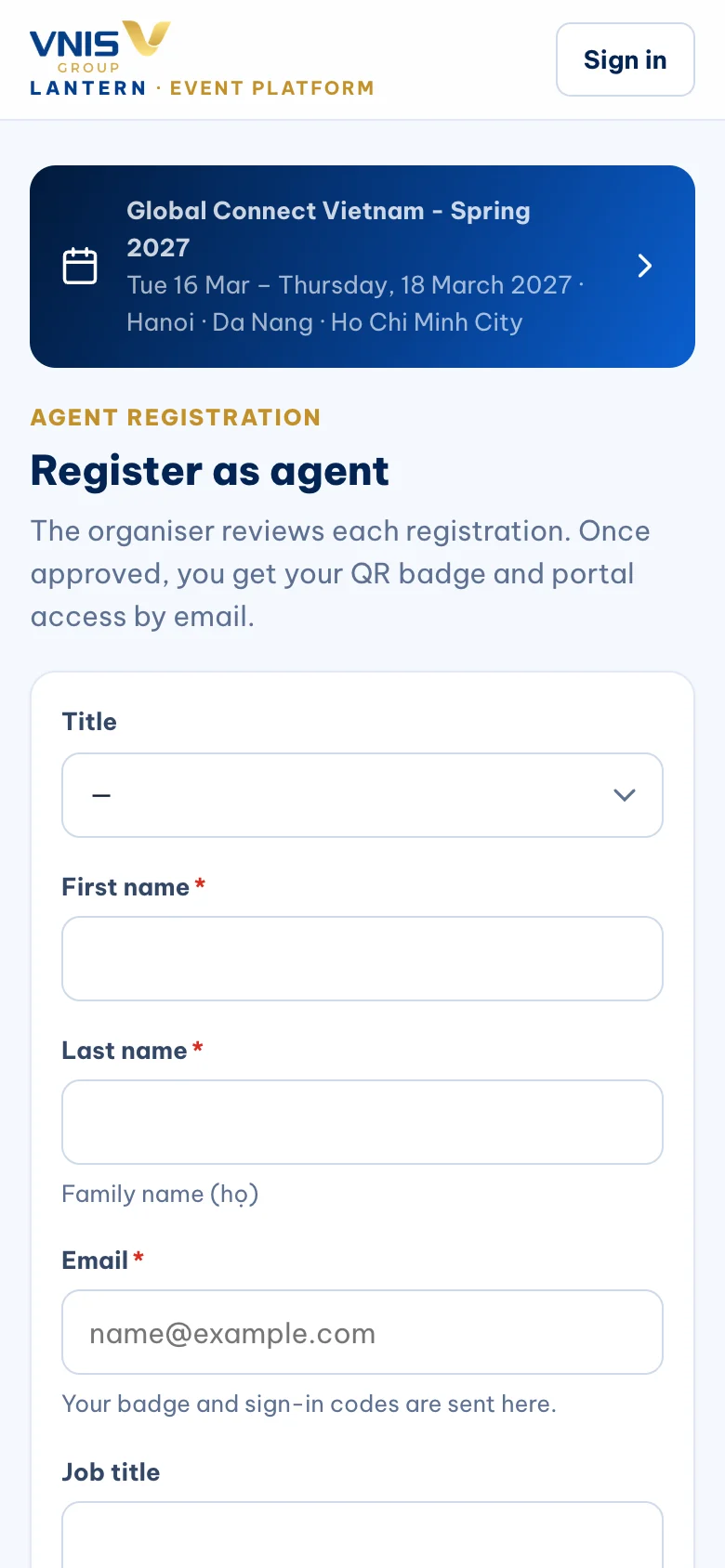
Open the fair’s page and tap “Register”. Tell us your study plans: level, destinations, intake, budget and English test if you have one.
Read the consent sentence carefully: it explains that when you let an institution scan your badge, your name, contact details and study plans are shared with that institution so it can follow up with you.
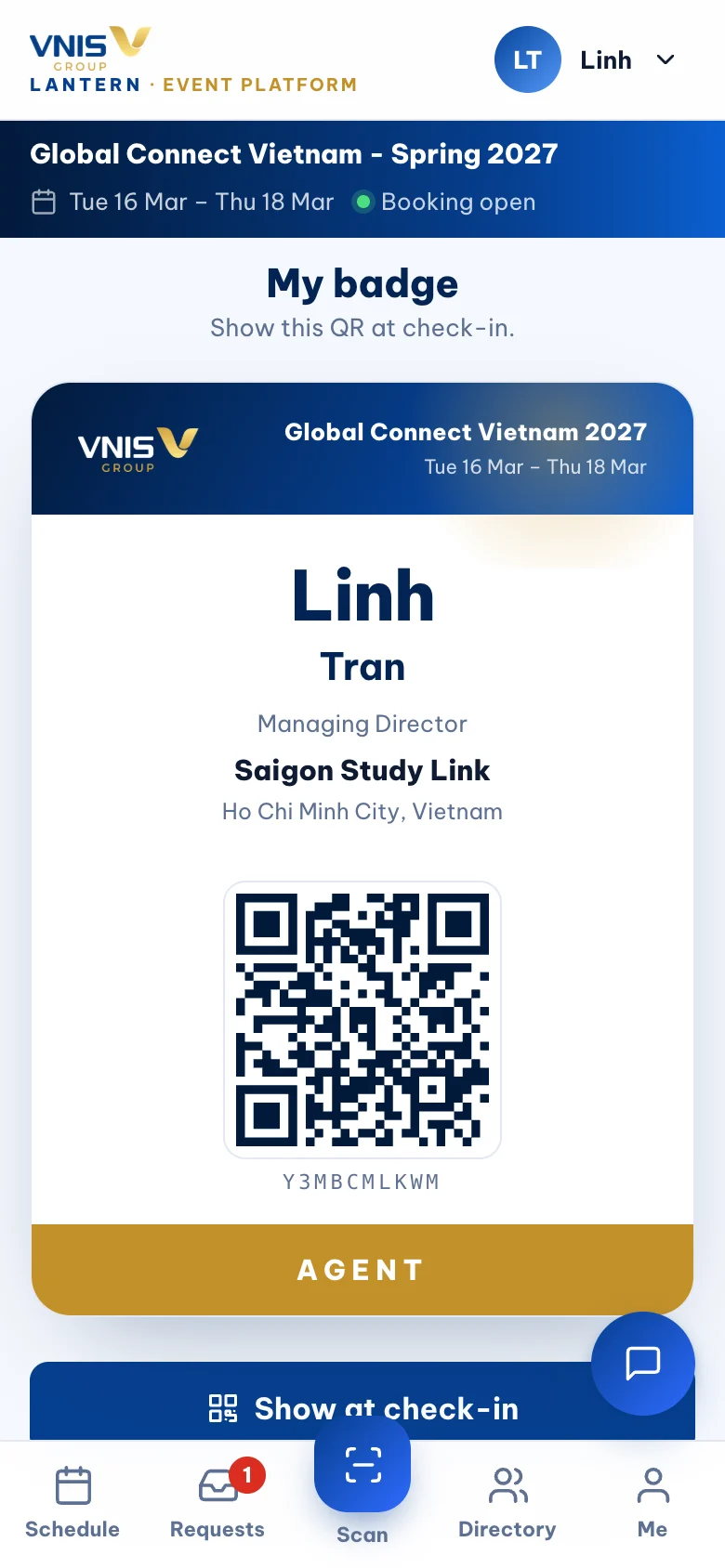
Save your badge
Your badge appears straight away and is emailed to you. Tap “Download” to save it to your photos, or add Lantern to your home screen.
At the entrance, show the QR so staff can check you in.
At the fair
Talk to the institutions you like. When you want them to send you information, let them scan your badge — that is all.
Institutions you do not show your badge to never receive your details.
Your data, your choice
You can withdraw consent at any time by writing to privacy@vnis.edu.vn. VNIS stores your consent exactly as you saw it, with the date and time, as Vietnamese law requires.
Frequently asked
Do I need to print the badge?
No — the QR on your phone works. Turn your screen brightness up.
Can parents come?
Yes. A parent can register with their own email, or come with the student.
Is it free?
Student entry to VNIS fairs is free unless the event page says otherwise.
Need a hand? events@vnis.edu.vn